 EN
EN

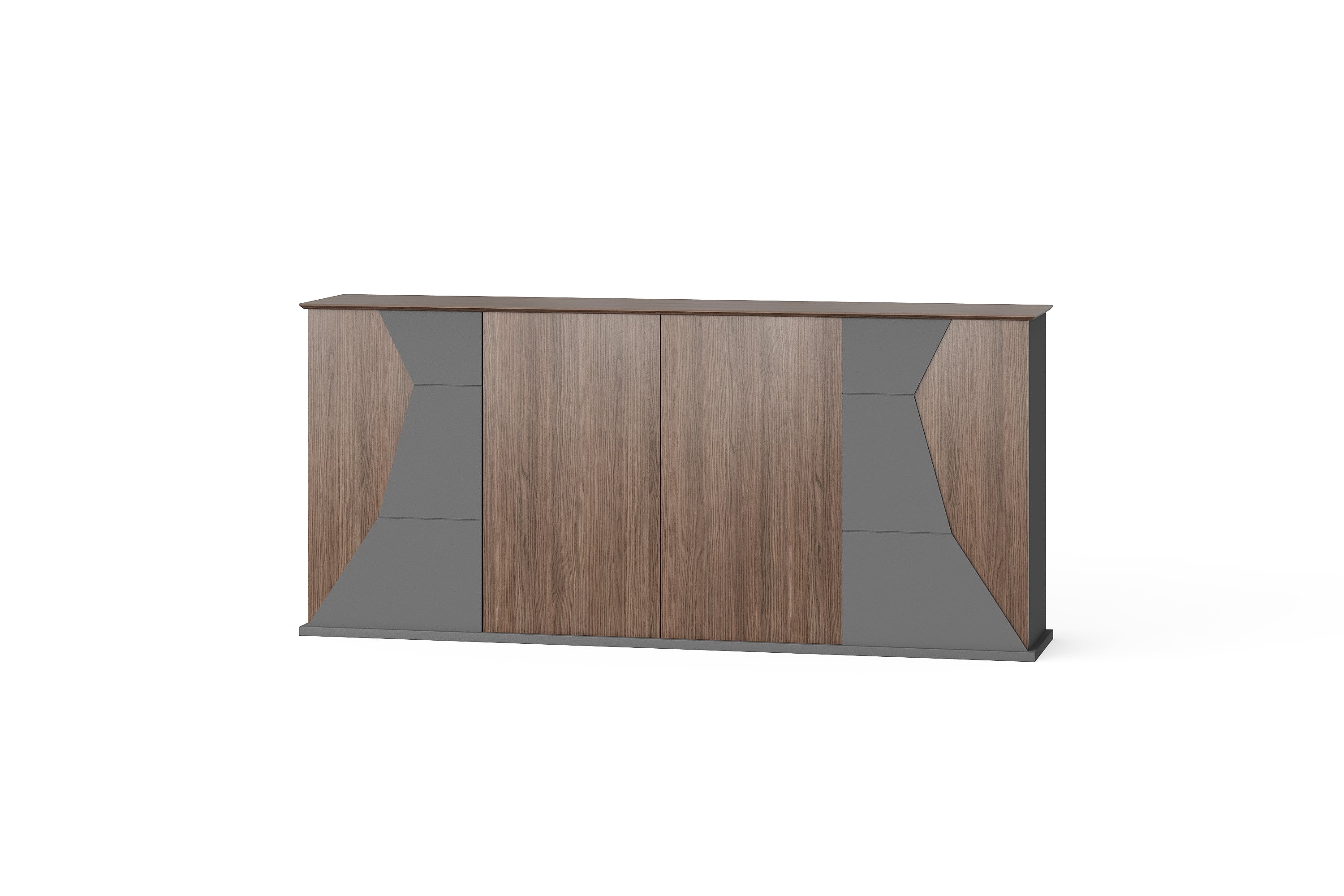
A request for an office cabinet often starts with its outside width or appearance. That leaves an important question unanswered: what must fit inside it? For an importer or dealer comparing storage options, an inventory of the intended contents gives the supplier a clearer basis for discussing the internal configuration.
Use this approach for ordinary office documents, folders, books and supplies. It creates a buying brief, not a capacity guarantee for any pictured cabinet. Keep requirements supplied by the buyer separate from dimensions and capabilities confirmed for the selected model.
1. Describe the actual stored items
List each distinct item group before choosing a cabinet. Record whether files will stay in binders, folders, boxes or another container. Measure the item in that stored form, including projecting tabs, handles or covers. A paper-size label alone does not describe the outside dimensions of a filled binder or storage box.
State the intended orientation as well. A binder standing upright and the same binder laid flat require different space. Where items vary, identify the largest relevant example and the range you need considered. Label estimates clearly so the supplier does not mistake them for measured requirements.
2. Separate item volume from cabinet capacity
Record the current quantity and any additional quantity you want allowed for. Keep that allowance visible as a buyer requirement instead of assuming spare capacity from a photograph. Grouping items by use can help explain whether they need a shared compartment or separate sections.
The BG-2608B office cabinet is a catalogue reference for a storage discussion. Its exterior photograph does not confirm the number or arrangement of usable internal compartments. Ask for the relevant internal drawing or measurements before assigning a stated number of folders to it.
3. Build an item-to-storage brief
Use a separate record for each item group. The blank fields below describe the information to collect; they are not dimensions or capacities of a BG product.
| Record field | Information for the supplier |
|---|---|
| Item group | Contents and the actual binder, box or container used. |
| Stored size | Measured outside width, depth and height, with units and orientation. |
| Quantity | Current amount and any separately stated additional allowance. |
| Access pattern | How often items are retrieved and whether access is shared or restricted. |
| Load information | Known item weights, or the information still needed to assess the load. |
| Supplier response | Proposed compartment, usable dimensions, applicable limits and unresolved points. |
Attach a clear photograph of a representative stored item when it helps explain the measurement. If the photograph contains business documents, avoid exposing information that is unnecessary for the furniture enquiry.
4. Ask about usable space and the access opening
Overall cabinet dimensions are not the same as usable internal dimensions. Ask for the clear width, depth and height of the proposed compartment, and identify any fixed divider, shelf or hardware that affects the space. Confirm whether an adjustable shelf is actually offered for that configuration before planning around it.
An item also needs to pass through the access opening. Ask how the intended container enters and leaves the compartment; do not approve the fit only because its dimensions appear smaller than the internal space. The separate cabinet door and drawer clearance guide addresses opening movement and nearby furniture. Keep that room-level check alongside this contents brief.
5. Confirm the limits and record the supplier's answer
Include known load information, particularly where books or filled files make a compartment heavy. The CCOHS sample office inspection checklist explicitly considers overloaded shelves and file drawers. For procurement, request the selected product's applicable load limits and instructions rather than estimating them from its appearance. This reference does not certify a BG cabinet or supply a load rating.
List any requested lock, file support or separate storage section as a requirement awaiting confirmation. Ask the quotation to distinguish included components from alternatives. Keep the supplier's answer with the same item-group record, marking missing dimensions or unresolved fit questions before accepting the proposed configuration.
Buyer questions
Is an A4 or letter-size label enough?
No. Give the outside dimensions of the actual filled folder, binder or container and its intended orientation. The paper inside is only part of the requirement.
Can I work out storage capacity from the cabinet's exterior?
Do not treat that estimate as confirmed capacity. Request usable compartment dimensions and the internal arrangement, then compare them with the measured contents.
Does a closed front mean the cabinet locks?
No. State the access requirement and ask which locking arrangement, if any, is available and included for the selected configuration.
Should I include future storage needs?
Yes, as a separate quantity or requirement. Keep today's contents and the proposed allowance distinct so alternatives can be compared on the same basis.
Send a contents brief with your enquiry
Contact BG with the cabinet reference, item-group record and the dimensions still requiring confirmation. Request a configuration and itemised quotation that can be checked against those requirements.