 EN
EN

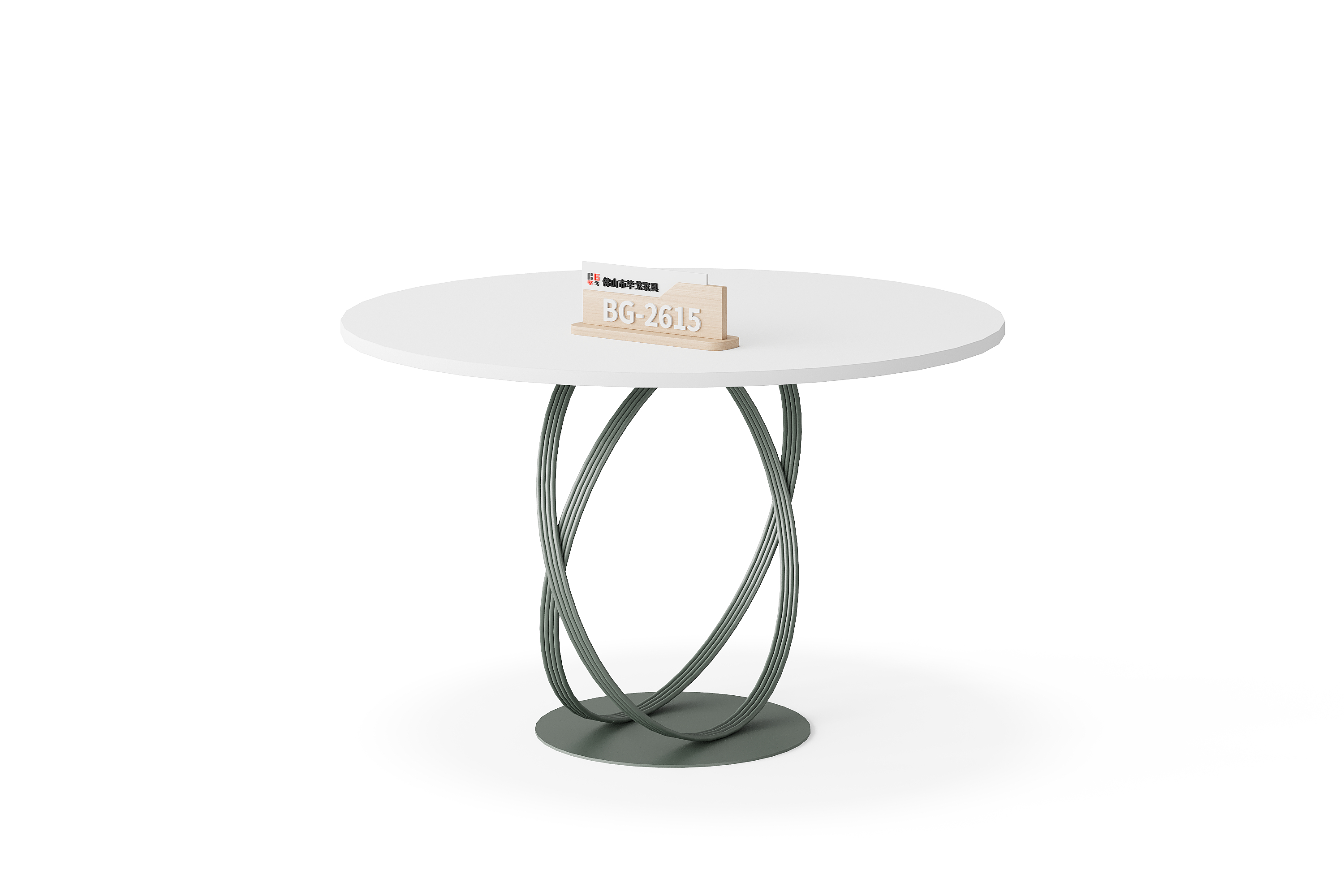
A catalogue image helps you shortlist furniture, but it does not answer every purchasing question. Before choosing a configuration remotely, connect each unresolved question to an identifiable photograph, drawing or written response. A useful evidence request tells the supplier what you need to establish, rather than simply asking for “more pictures”.
This guide is a buyer's working method. The availability of any particular file, sample, video or inspection must be confirmed for the proposed order; the checklist is not a list of services included with BG furniture.
1. Identify the furniture and the version
Start with the full model reference, product link and the configuration you want quoted. For example, keep BG-2615MT and BG-2614 in separate evidence records. These are catalogue references, not examples of an inspected or accepted customer order.
Save the original image before marking areas for questions. Note which visible units you want included and which are background items. Ask whether the supplied evidence depicts the quoted version, another finish, a display sample or a previous configuration. Keep an unresolved difference visible instead of combining several similar images into an assumed specification.
2. Give each requested file a purpose
A whole-item photograph can establish visual context; a close-up can make a particular joint or surface easier to discuss. Neither provides a reliable measurement merely because the object looks familiar. If a dimension matters, request an identified drawing or a clearly explained measurement with its endpoints and units.
Write the question beside the request: “Which item is quoted?” or “What is the confirmed overall depth?” If you request a video, state which view or feature needs explanation. A short demonstration may answer that question, but it does not establish long-term durability, load capacity or every operating condition.
3. Build an evidence-to-question record
Use the following blank structure for each model. Add actual references and answers as they arrive; the entries below describe what to record, not confirmed BG specifications.
| Record field | What to enter |
|---|---|
| Model and version | Full model, product link, quoted arrangement and reference date. |
| Purchasing question | One unresolved decision and why it matters to the order. |
| Evidence requested | Named view, drawing detail or written confirmation needed. |
| Evidence received | File name, source, date and configuration it actually shows. |
| Review result | Answered, partly answered or still open; record the reason. |
| Next action | Clarification needed, responsible person and agreed follow-up. |
Keep the original files together with the response that explains them. A renamed image without its supplier message can lose the detail that it showed an alternative configuration. Record the date received and the person or team responsible for resolving each open question.
4. Separate illustrations from inspection evidence
A product photograph and a formal inspection record serve different purposes. SGS describes pre-shipment inspection as a defined verification service addressing matters such as shipment quantity, marking, packing and product requirements. That description does not establish that a BG product or order has undergone such an inspection.
If an inspection or test report is offered, ask which model, configuration or shipment it covers, who issued it and what was actually checked. Read the scope and any limitations before using it to answer your purchasing question. A report concerning one sample should not be treated automatically as evidence for every item in a range.
5. Resolve gaps before recording acceptance
Separate “received” from “reviewed” and “accepted for this question”. An image can arrive promptly while leaving the important measurement or configuration unresolved. Record that gap and request the missing clarification instead of treating a complete folder as a complete specification.
When a supplier proposes a different component, finish or arrangement, link the new evidence to that change. Keep the previous reference marked as superseded rather than deleting the history. The final quotation and your review record should identify the same version; an evidence packet alone is not an agreement about price, included items or delivery services.
Buyer questions
Is a website image enough to approve an order?
It can identify an appearance you want to discuss. Confirm the configuration, measurements, finish references and included items that matter to your purchase in the written quotation and supporting documents.
Should I request every available file?
Start with the unresolved decisions. A small set of clearly identified evidence can be easier to review than an unlabelled folder containing several models and versions. Ask for further detail where a question remains open.
Does a video prove that a product meets my performance requirement?
No. Specify the requirement and ask what applicable evidence supports it. A demonstration of one action is not automatically a test of the conditions, duration or loading relevant to your intended use.
What if the requested evidence is unavailable?
Record the unanswered question and ask what alternative information can be supplied. Keep that part of the decision provisional. Do not fill the gap by estimating specifications from an image or another model.
Send a focused evidence request
Use Contact Us with the model, intended configuration and a short list of purchasing questions. Identify the file or response needed for each question and ask what can be provided for the quoted version. Keep the answers with the quotation so another buyer can follow the same decision record.