 EN
EN

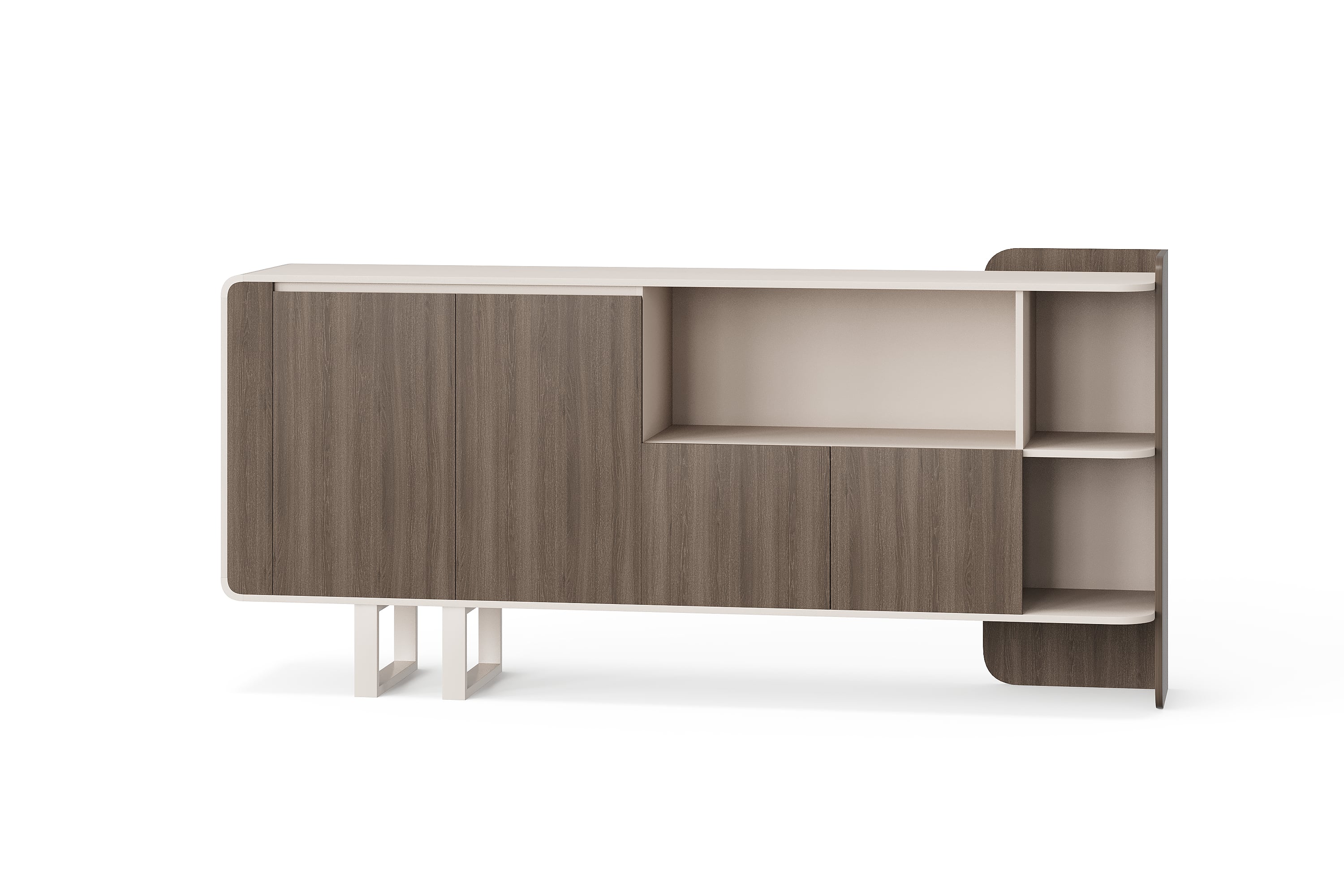
Before a dealer publishes a furniture listing, the product description, image and model reference should describe the same item. Information received for a private quotation may still contain unanswered questions or commercial terms that do not belong in the public catalogue. A short publication record helps the purchasing and sales teams separate these uses.
This checklist is for importers and dealers preparing their own product pages, printed catalogues or sales sheets. It identifies information to request and review; it does not promise that BG provides a finished catalogue, grants image permissions automatically or approves a dealer's final sales terms.
1. Keep the supplier model traceable
Start with the complete supplier model and the page or document from which it came. Keep your own stock code in a separate field. A customer-facing name can be simpler than an internal description, but the team answering an enquiry should still be able to identify the exact supplier reference.
For example, the BG-2632B office cabinet is an identifiable catalogue reference. Its photograph shows one arrangement. It does not establish an internal storage capacity, material specification or every item included in a future quotation. Record those details only when confirmed for the selected configuration.
2. Separate publishable facts from open questions
Create a source note for each meaningful product statement. A confirmed dimension should identify the applicable version and units. A finish description should refer to the relevant surface. Do not turn a wood-tone appearance into a solid-wood claim, or a closed tabletop fitting into a promise of installed electrical equipment.
Use the model-specific evidence checklist to resolve missing product information. The extra step here is deciding which confirmed answers may appear in a public listing. Keep unanswered questions in the internal record rather than presenting estimates as specifications.
3. Build one publication record per listing
Use the blank fields below for the actual item you intend to advertise. They are review prompts, not an approved BG product-data package. Keep the supporting response or document beside the record.
| Record field | Information to confirm |
|---|---|
| Product identity | Supplier model, your internal code and the exact configuration represented. |
| Public description | Proposed wording, supporting source and any unresolved product claims. |
| Image reference | Original file, model shown, visible accessories and permitted uses or edits. |
| Specification fields | Confirmed values, units, applicable version and source for each value. |
| Commercial information | Which details are private to the quotation and which terms your business will publish. |
| Publication review | Reviewer, outstanding questions, approved wording and the pages or files using it. |
A blank specification field is a question to resolve, not an invitation to copy a value from a similar model. If a public description can be accurate without that value, keep it focused on the confirmed information. Where the value is necessary to a customer's decision, resolve it before relying on the listing to answer that question.
4. Confirm image use and what the image represents
Ask which files may be used, on which channels, and whether cropping, added labels, translated captions or branding changes are permitted. Keep the answer with the original asset. WIPO's guidance for businesses explains that access to someone else's content does not itself establish permission to use it. This is a reason to clarify permissions, not a determination of rights in a particular image.
Also check the picture against the written scope. A scene may include a separate cabinet, chair, computer or decorative object. The caption and description should make the offered furniture clear. Permission to use a photograph does not confirm that everything visible is supplied, and permission for one channel should not be assumed to cover another.
5. Review the translated and assembled listing
Read the actual preview after the text and image have been placed together. Check the model, units, caption and any statements about included items. A translation should preserve the level of certainty: a requested option must not become an available option, and an enquiry invitation must not become an immediate-delivery promise.
Keep private purchase prices and supplier correspondence out of public files unless their use has been agreed. Your own retail price, stock status, delivery offer and customer terms need their own current basis. If the source information changes, identify the affected listing and sales sheet so the team can correct the same record.
Buyer questions
Can I reuse a picture because it is on the supplier's website?
Ask for the applicable permission and record its scope. Public access alone does not answer who may reuse the image, where it may appear or which edits are allowed.
Can I give the item my own stock code?
Keep your internal code separate from the supplier model and retain the mapping. Do not present an invented suffix as a supplier-confirmed model or configuration.
What should I do when a specification is missing?
Request a model-specific answer and record the gap. Do not estimate dimensions from the image or transfer another product's specifications into the listing.
Should the supplier approve my whole sales offer?
Ask for confirmation of the relevant product information and image permissions. Keep your business's pricing, availability and customer-service promises separately supported; a product-information response does not automatically approve those terms.
Send a focused product-information request
Contact BG Office Furniture with the model, intended catalogue or sales channel, proposed description and image reference. List the facts and permissions still needing confirmation. Keep the response with your publication record so the person maintaining the listing can trace each statement to its source.