 EN
EN
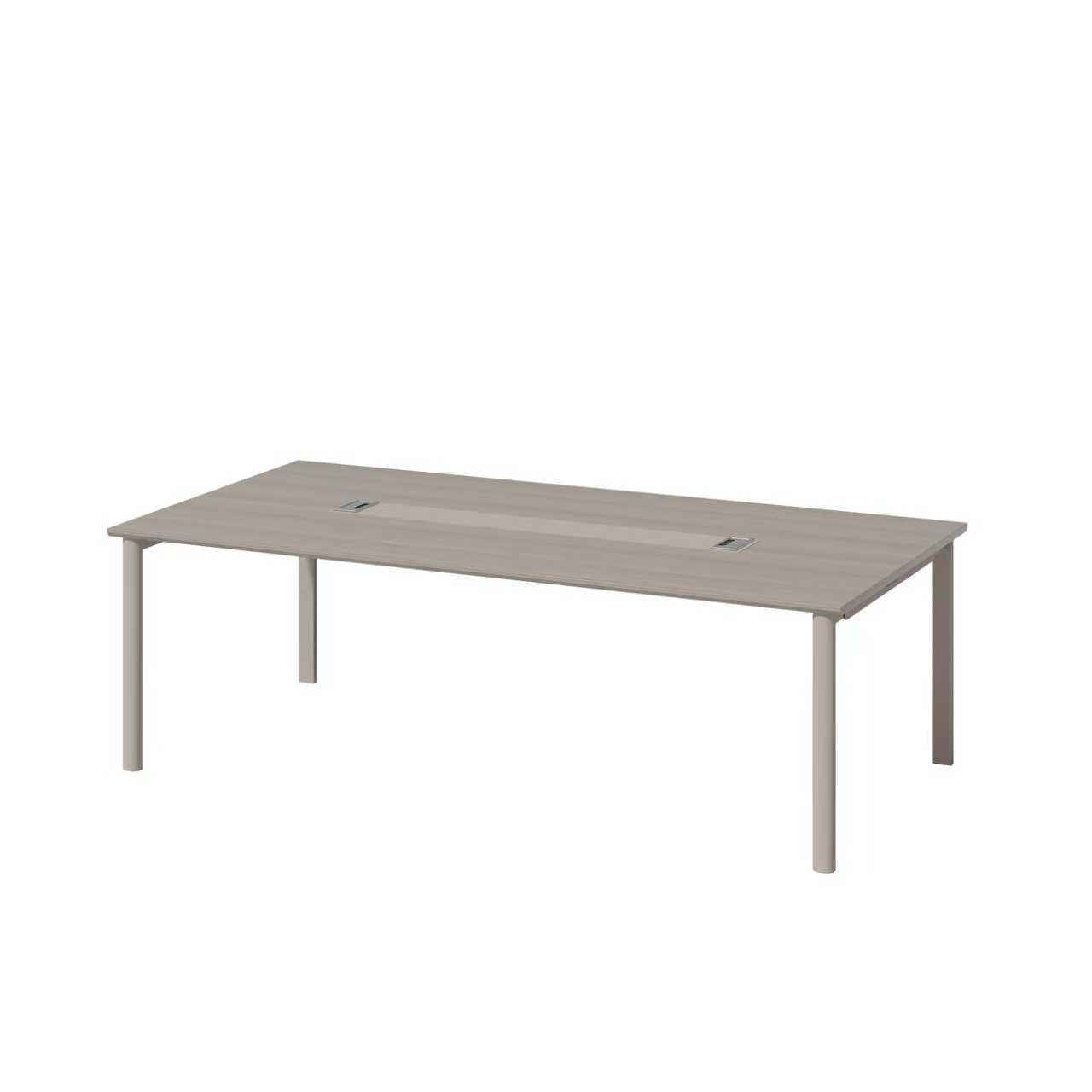
A meeting table needs to fit both the room and the way people use their equipment. Before ordering, describe the meeting tasks, the devices people will bring and the route from the table to the room's connection points. This article is a planning checklist; it does not specify electronic equipment supplied with a BG meeting table.
Start with the room and meeting tasks
Identify whether the room is used for discussions, laptop work, presentations or remote calls. Record the intended number of users and provide a room plan showing doors, circulation space, existing sockets and the display position. Then review the table layout and the space required around it. A drawing is more useful than assuming that a product photograph represents the complete room arrangement.
Separate the furniture from the equipment
Create two lists: the furniture being quoted and the equipment needed for the room. For each device or accessory, identify who will supply it, who will install it and which connections it needs. A table shown in a room with a screen or meeting equipment should not be read as a quotation for those items.
- Record the selected table model and the required quantity.
- List any proposed connection modules or cable accessories separately.
- Identify equipment supplied by the buyer or another contractor.
- Ask the supplier to state which items are included in the written quotation.
Confirm cable access before approving a layout
Mark where cables enter the room and how they would reach each working position. Ask for a drawing of any proposed opening, cover or under-table route. Confirm its position and dimensions against the selected equipment before approving the table configuration. Keep access for maintenance in the plan, and avoid a cable route that crosses a walkway or interferes with leg space.
Any electrical equipment, connection work and installation requirements should be specified and checked separately by the responsible supplier or installer. Do not infer compatibility from the table name or from an image.
Record cable provisions item by item
For the selected meeting table configuration, give each requested item a quotation status: included, priced separately, excluded or awaiting confirmation. Use this record to make the drawing and offer comparable; the rows do not establish available BG accessories.
| Item | Record to confirm |
|---|---|
| Desktop opening | Opening location and dimensions on the drawing; identify any cover or grommet and its quoted status. |
| Under-table routing | Proposed tray or channel, its location and mounting arrangement, and whether it is supplied. |
| Route to the room | Drawing reference for the route to existing service points and the party resolving any remaining gap. |
| Connection accessories | Exact proposed accessory and supplier; technical compatibility and connection work remain separately assigned. |
| Work responsibilities | Who supplies fittings, assembles the furniture and handles any separately agreed site work. |
Keep the drawing revision, quotation line and responsible contact beside each confirmed item. If an answer changes, update the record before treating that part of the proposal as agreed.
Use a written specification for comparison
When comparing offers, use the same room plan and item list. Request confirmation of the table dimensions, selected finish, cable provisions, included accessories and installation responsibilities. Record the drawing revision beside each quotation. If a feature has not been confirmed for the selected model, leave it as an open question rather than treating it as included.
Browse the meeting table category to identify a starting point, then send BG Office Furniture your room plan and item list. Ask for the available configuration and the supplied scope to be confirmed for your enquiry.