 EN
EN

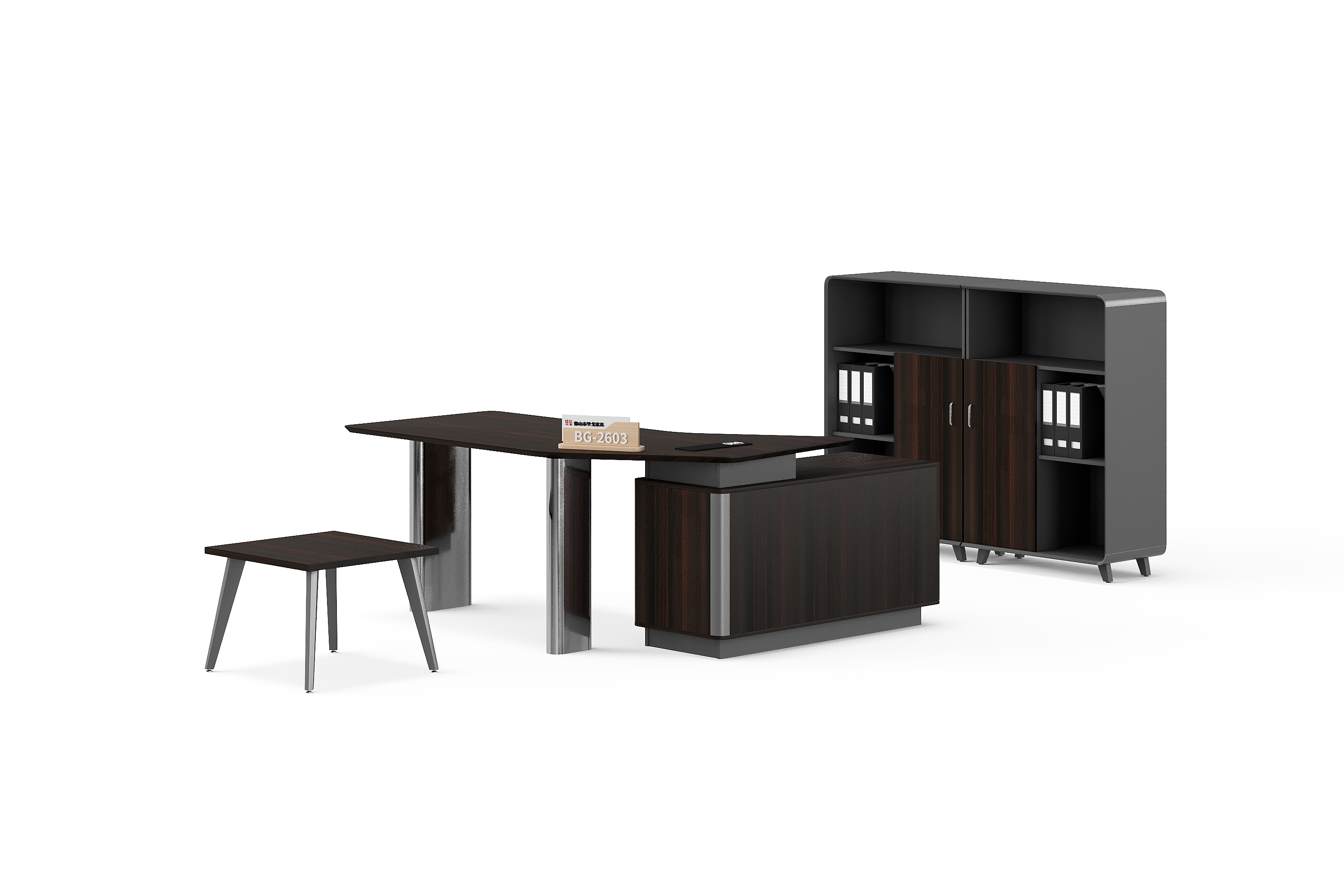
A furniture schedule can be correct when first issued and become unreliable after several small changes. A different room allocation, an added cabinet or a revised finish may appear in separate emails while a supplier is still pricing the previous list. The buyer needs a clear way to identify what changed and which version each response addresses.
Here, a bill of quantities, or BOQ, means the project’s itemised furniture schedule. This guide proposes a practical revision record for office desks, workstations, tables and storage. It is a blank working method, not a customer project example or a statement that BG has accepted a particular change.
1. Give each issued schedule a clear identity
Put the project reference, revision identifier, issue date and purpose on the schedule itself. State whether it is for initial enquiry, revised quotation or review of a proposed order. Use a consistent filename, but do not rely on the filename alone: downloaded copies and printed pages should still identify their version.
Keep previous issues in a separate archive. Mark the new issue as replacing a named earlier version for a stated purpose. Sending a revised enquiry does not, by itself, change an accepted order; ask the relevant parties to confirm any effect on an existing commitment.
2. Keep item references stable as details change
Give each furniture line an item reference and retain it when its details change. Link that reference to the supplier model, room location, quantity and defined unit. If an item is removed, identify it as removed in the change record instead of reusing its reference for an unrelated cabinet or table.
For example, list BG-2605 and BG-2642B against separate schedule references when comparing furniture options; these catalogue examples do not describe an actual customer order.
When a quantity changes, check both the number and the unit. The guide to counting desks, seats and sets explains that distinction. Your revision record should point to the affected line without repeating or replacing its configuration description.
3. Add a short change register
Place a change register beside the revised schedule. Use one entry for each affected item or related group of changes. The fields below form a blank template; they do not contain BG specifications, prices or approved project data.
| Change-record field | What to record |
|---|---|
| Affected reference | Item identifier and the previous schedule revision. |
| Previous and proposed value | The exact field before and after the change; keep unknowns visible. |
| Reason and linked documents | Brief reason, plus the drawing, finish or configuration reference affected. |
| Requested supplier response | Which specification, price, packing or schedule implications need confirmation. |
| Decision and current status | Named reviewer, dated response and whether the item remains open or is agreed. |
Separate a requested change from an agreed change. “Sent for review” records an action; it does not prove that the supplier has accepted the new configuration or its commercial consequences.
4. Check related documents before sending
A changed item can affect more than its own row. If storage moves beside a desk, check the room drawing and orientation reference. If a finish changes, identify the affected surfaces and the reference used for review. Ask whether the proposed change also affects components or packing information.
List the accompanying files and their revisions in the same message. Check that the marked drawing, item schedule and quotation request describe the same proposal. Keep unresolved differences visible rather than choosing whichever document has the newest date.
5. Reconcile the supplier’s response
Ask the supplier to identify the BOQ revision used for its response and explain any differences. Match revised quotation lines to your item references. Record confirmed changes, alternatives, exclusions and unanswered questions separately; a new quotation total alone does not explain what changed.
Before proceeding, compare the response with the current schedule and linked documents. Record the decision for each open item and retain the supporting response. The office furniture RFQ checklist covers the wider information needed when the revised enquiry changes the purchase scope.
Buyer questions
Should a new quantity create a new item reference?
Usually, retain the reference when it is the same defined item with a revised quantity. Record the old and new values. Use a separate line when a different model or configuration needs its own identity.
Can I send only the changed spreadsheet rows?
Provide enough context to identify the affected issue. A short change list can highlight the differences, but include or identify the complete current schedule so unchanged items are not accidentally omitted.
Does a reply acknowledging receipt approve the revision?
No. Record receipt separately from confirmation of the proposed changes. Ask which items and implications have been accepted and which still need review.
What if two reviewers send conflicting instructions?
Keep the affected item unresolved and ask the buyer’s designated decision-maker to consolidate the instructions. Issue one clarified revision and identify which earlier request it replaces.
Send a revision that can be traced
Contact BG Office Furniture with the current furniture schedule, its revision identifier and the change register. Ask for a response against that version, with proposed alternatives and unresolved points clearly identified. Keep the accepted response with the final item list rather than relying on an email subject line.